
Co-op
War in the North co-op guide — 3-player online, local split-screen, Remote Play Together and how the restored Legacy Edition multiplayer works.
Introduction
Co-op is the heart of the Legacy Edition. The 2026 remaster restores the 3-player online multiplayer that the original game lost when its servers were shut down in 2017, and it adds two-player local split-screen so you can play on a single PC with two controllers. The full campaign is playable with up to three players, each controlling one of the three heroes, and progress, loot and achievements are shared. This section covers every way to play with friends — online co-op, split-screen, Steam Remote Play Together and LAN — plus how to troubleshoot the common connection issues and how co-op changes combat with shared Hero Mode and the revive mechanic.
Co-op Setup Options
| Method | Players | Requirements | Notes |
|---|---|---|---|
| Online Co-op | Up to 3 | Steam friends, campaign host | Restored in the Legacy Edition |
| Local Split-Screen | 2 | Two controllers on one PC | Couch play on the same screen |
| Remote Play Together | 2-3 | Host owns the game, friends stream | Fallback when online co-op is unavailable |
| LAN | 2-3 | Same network (community guide) | Legacy method from the original game |
Co-op Modes
Online Co-op
Up to three players on the same campaign
Local Split-Screen
Two-player couch co-op on one screen
Remote Play Together
Stream a slot to friends who lack the game
Hero Mode Combos
The party-wide damage burst in co-op
Core Mechanics
Co-op in War in the North is campaign-based: the host starts or loads a save and invites friends to join, and the whole party plays through the same story together. Each player controls one of the three heroes, and the remaining hero (if the party is smaller than three) fights under AI control. When a player leaves, their hero returns to AI control, so a campaign can smoothly transition between solo and co-op play. Co-op changes combat significantly — you can split aggro on bosses, revive downed allies and chain Hero Mode activations across the party for extended damage windows. The Legacy Edition also carries the new hot-swap and full party equipment systems into multiplayer, so every player can tailor their own hero.
Advantages
The restored co-op is the single biggest reason to buy the Legacy Edition. Playing the campaign with friends transforms the experience — bosses that punish solo players become group puzzles, the revive mechanic lets you recover from mistakes and the shared Hero Mode rewards communication and coordination. The two-player split-screen is a welcome addition for couch co-op, and Remote Play Together provides a smooth fallback for friends who do not own the game. Because progress and loot are shared and a campaign can drift between solo and co-op, the mode fits naturally into a busy schedule. The Steam community is also actively organizing co-op sessions, so finding a partner is easy.
Challenges
Co-op has some limitations. There is no crossplay, so Steam players can only join Steam players and EGS players can only join EGS players. The host's save is the campaign save — joining players do not carry their own progress into the host's world, though they keep any achievements earned. A few co-op sessions have reported connection instability at launch, and the shared Hero Mode requires active coordination to use well. Finally, some achievements are co-op-only, so completionists without friends must find a partner through the community.
Frequently Asked Questions
How do I start online co-op?+
Is there split-screen co-op?+
Does co-op progress carry over?+
Quick Tips
Use the full three-player party when you can. The three heroes cover damage, support and tanking, and a full party dramatically widens the combat options. If you only have two players, the AI controls the third hero — keep that hero well-geared so they stay useful.
Coordinate Hero Mode. The shared combo meter means one player's chains fill the party-wide boost, and triggering them in sequence creates an extended damage window. Agree on a call-out word so everyone knows when the meter is full and who activates first.
Split aggro on bosses. One player draws the boss's attention while the others attack from the flanks, and switch roles when the boss retargets. Keeping the squishier heroes out of aggro range makes even the hardest fights manageable.
Keep a revive plan. When a player goes down, the reviver should clear the immediate area first — reviving under fire usually ends in a second down. The team's tank or the player with the best positioning should take revive duty while the others cover them.
Featured

War in the North co-op guide: 3 player online setup
Set up War in the North co-op with three players online or two in local split-screen. Discover how to invite friends, share loot, and build combos together.
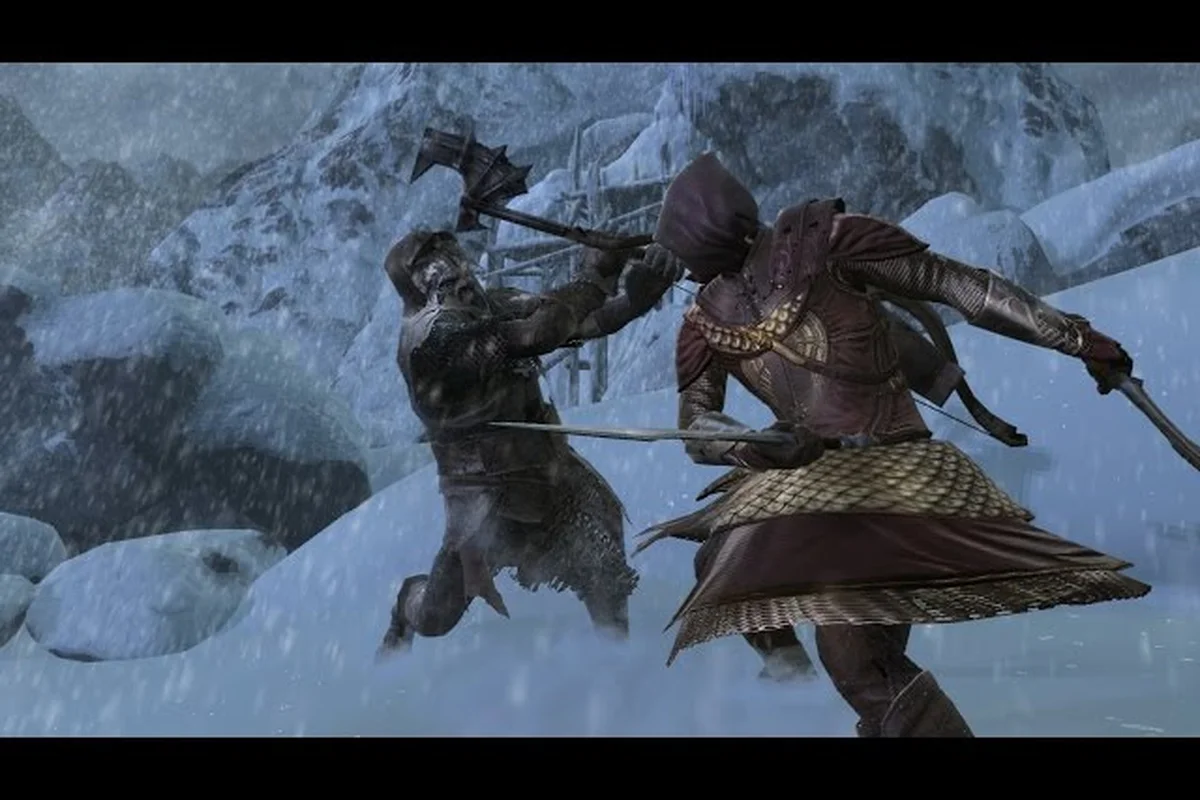
War in the North split screen guide: two controllers
Master the War in the North split screen guide. Set up War in the North split screen with two controllers on Steam Deck or PC. Master couch co-op, shared loot.
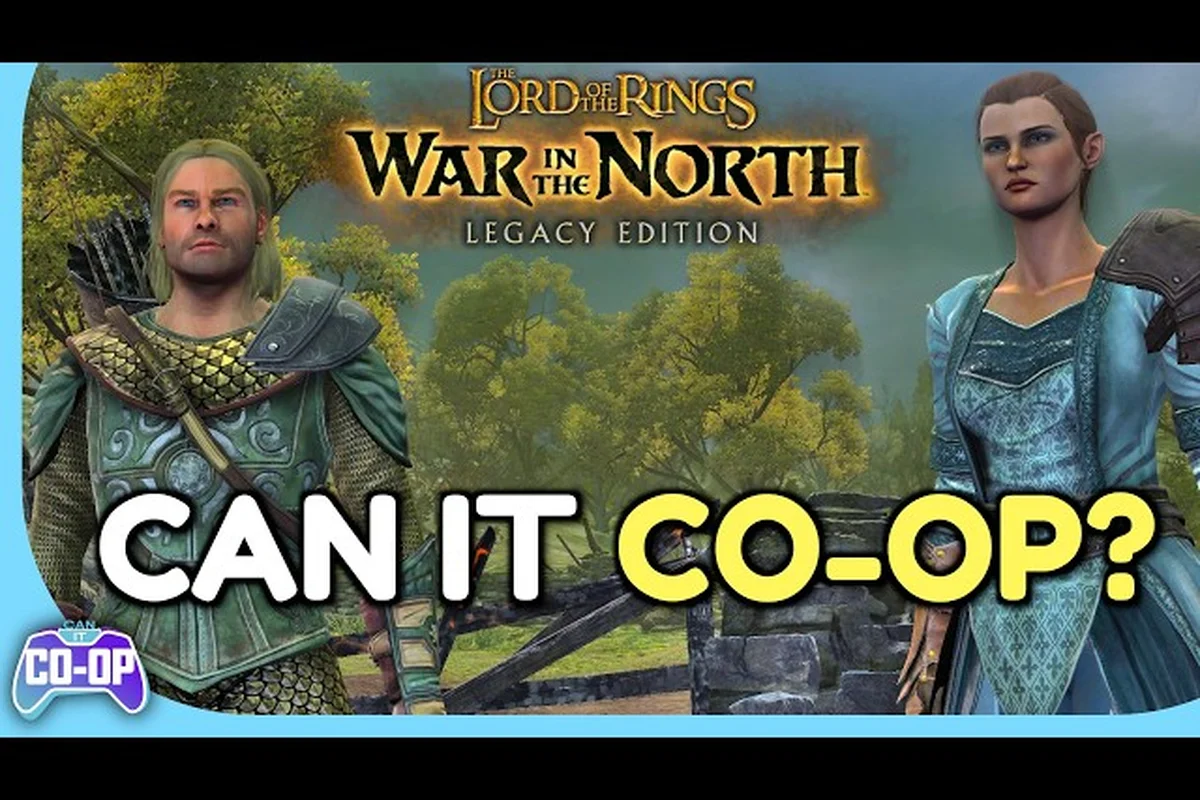
War in the North co-op revive: build Hero Mode chains
Master War in the North co-op revive by building Hero Mode combo chains with all three players. Learn online and split-screen tricks to bring allies back fast.
All Articles
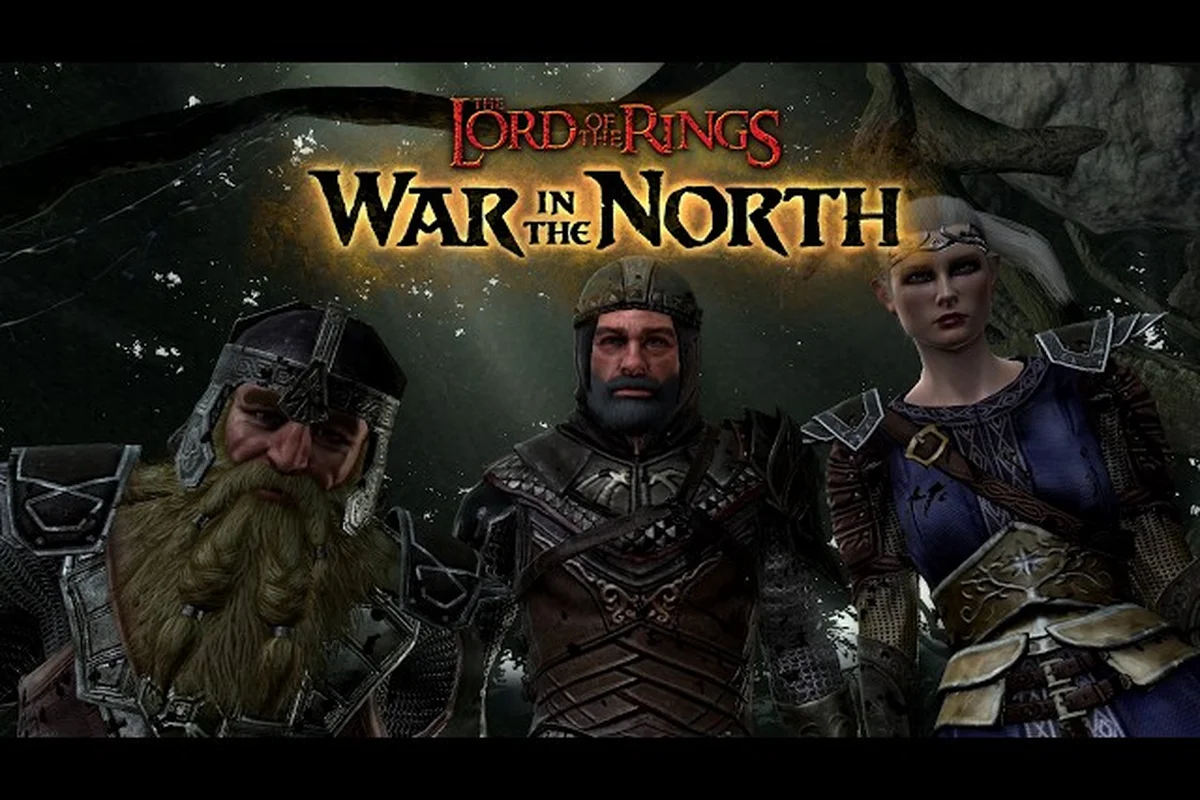
War in the North does co-op carry progress with host saves
Wondering if War in the North does co-op carry progress? Learn how host saves work, what loot transfers, and how sessions handle progression.
War in the North remote play together: Steam crossplay
Play War in the North remote play together with Steam. Discover crossplay limits, save progression, and how to share the campaign with friends.
War in the North two player co-op: fixes and invites
Set up War in the North two player co-op with online or split-screen. Fix connection issues, invite friends, and enjoy the full campaign together.