
Guides
Beginner-friendly War in the North guides — combat basics, controls, difficulty modes, New Game Plus, Steam Deck settings and everything new players need for the Legacy Edition.
Introduction
The Guides hub is the best starting point for War in the North: Legacy Edition. Here you will find the beginner guide, control explanations, combat tutorials and answers to the questions every new player asks about Aspyr's 2026 remaster of the 2011 classic. Because the Legacy Edition restores 3-player online co-op, adds on-the-fly character hot-swapping and introduces a rebuilt user interface, our guides are written specifically for this edition rather than copied from old walkthroughs. Each guide breaks the game into clear steps — how to move, block, dodge, spend stat points and survive your first battles from Bree to Fornost — so you always know what to do next, whether you are a returning player or completely new to the North.
Quick Start Reference
| Step | What To Do | Why It Matters |
|---|---|---|
| Learn the Combat Loop | Chain light attacks into heavy finishers, then block and roll-dodge | Builds the combo meter that fills Hero Mode |
| Pick Your Starting Hero | Choose Eradan (Ranger), Andriel (Loremaster) or Farin (Champion) | Each hero plays with a completely different style |
| Master Hot-Swap | Switch heroes mid-fight with the new Legacy Edition controls | Lets you answer every enemy type on the spot |
| Spend Stat Points | Allocate Strength, Will, Stamina and Dexterity at level-up | Shapes your build from the very first hour |
| Keep Potions Ready | Bind health and mana potions to quick slots | Surviving long levels depends on them |
Guide Topics
Beginner Guide
Everything a new player needs for the opening hours
Combat & Controls
Blocking, dodging, parries and the full control layout
Difficulty & New Game Plus
Choosing your challenge and what carries over
Steam Deck & Settings
Performance, graphics and controls on the go
Party AI & Co-op Tips
Getting the most from your AI allies and friends
Core Mechanics
War in the North is a third-person action RPG built around a three-hero party. You control Eradan the Ranger, Andriel the Loremaster and Farin the Champion, switching between them on the fly in combat. Every hero has three stances — melee, ranged and defensive — each with its own skill tree. The core combat loop is light-attack chains into heavy finishers, timed blocks and parries, and roll-dodges to avoid unblockable attacks. Killing enemies builds a combo meter that fills Hero Mode, a temporary damage boost that can be shared across co-op partners. Outside combat you spend stat points (Strength, Will, Stamina, Dexterity) and skill points each time you level, and you must manage party health, mana and potions across long levels.
Advantages
The Guides hub makes the game approachable from minute one. The beginner guide removes the confusion around the opening hours in Bree, explaining the hot-swap system that the Legacy Edition added and the controls that many players struggle with on their first session. Our difficulty guide helps you choose between the default and the unlocked Heroic and Legendary modes, and the New Game Plus guide explains what carries over. Because the Legacy Edition is a fresh 2026 release, the guides also cover the exact pain points players actually hit today — controller and Steam Deck settings, ultrawide support and party AI behaviour — rather than generic advice pulled from a decade-old wiki.
Challenges
Because the Legacy Edition launched on August 11, 2026 and is a remaster of a 2011 title, some guide details are still being confirmed. Exact numbers — such as the precise scaling of every skill or the full stat-point math of the endgame — are compiled from the original release plus community testing and may be adjusted as Aspyr ships patches. A few sections are written with the caveat as of launch and could become outdated quickly. We recommend checking the Steam news feed and the official Aspyr Discord when an update ships, and we will revise the affected guides as soon as new information is verified.
Frequently Asked Questions
Is the Legacy Edition a remake or a remaster?+
Which difficulty should I start on?+
Does the game run well on Steam Deck?+
How do I save my progress?+
Quick Tips
Bind your block, dodge and hot-swap keys before the first fight in Bree. The Legacy Edition adds instant character switching, and getting comfortable with it early lets you interrupt a goblin's combo with Farin and finish it with Eradan's bow. Practice the rhythm of light-chain, heavy-finisher, dodge in the opening courtyard so it becomes muscle memory before the difficulty rises.
Spend your first stat points with a plan. Strength boosts melee damage, Will feeds Andriel's spells and your mana pool, Stamina raises maximum health and Dexterity improves ranged damage and critical strikes. A balanced spread works in the early game, but by level ten you should lean into the two stats your chosen build actually uses so your hero scales into the mid-game.
Keep potions on your quick slots and check your party's health between fights. AI allies revive each other and you can revive them, but a party that enters a boss fight at half health will burn through its potion supply instantly. Stock up at Bree's vendors before you leave the safe area, and make sure Andriel's healing skills are unlocked if you are playing with a melee-heavy party.
Talk to every named character in Bree and Rivendell. The Legacy Edition keeps the original's missable dialogue, and several achievements are tied to conversations you can permanently lose by advancing the main story. A quick detour to exhaust every NPC dialogue option when you first reach a town costs almost no time and saves a full playthrough of achievement hunting later.
Featured

War in the North beginner guide for Legacy Edition hot-swap
Master the War in the North beginner guide with hot-swapping, enemy locking, and save slots. Learn system requirements and Steam Deck tips for a smooth start.
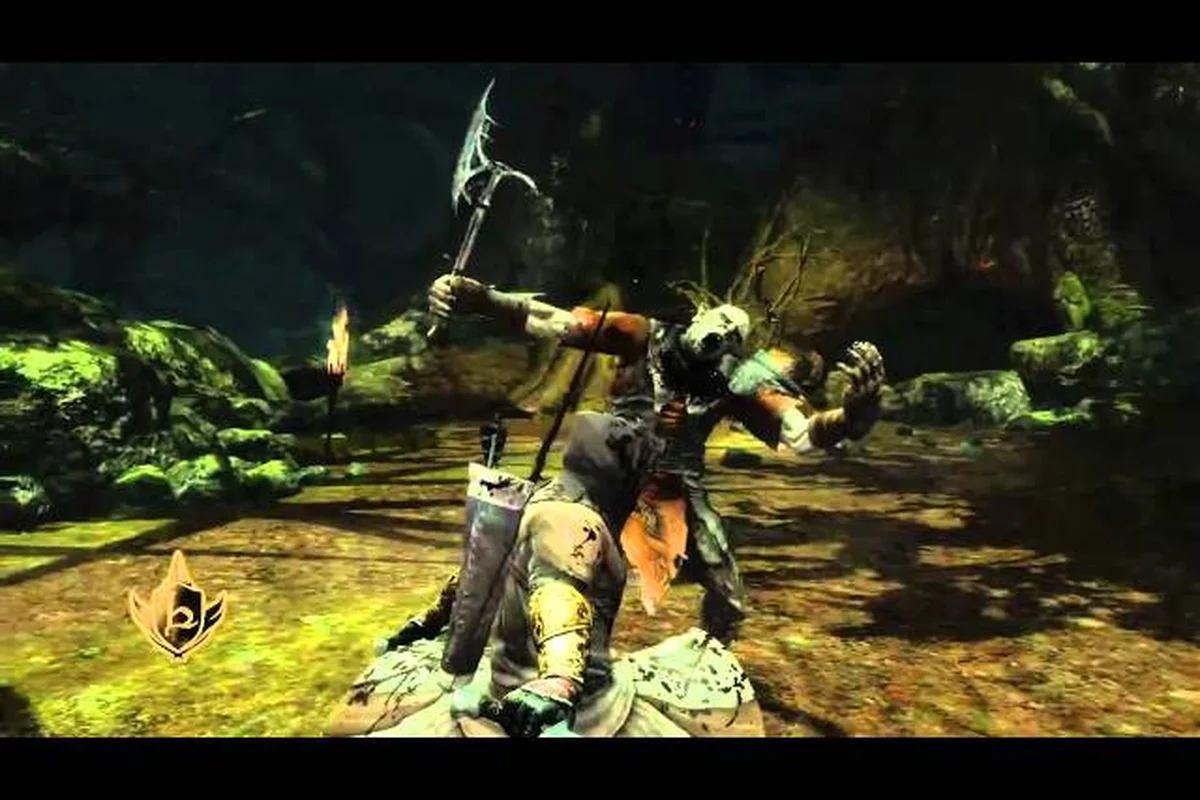
War in the North controls guide: hot-swap and locking
Master the War in the North controls guide with character hot-swapping, refined enemy locking, and improved UI bars. Learn keybinds, Steam Deck settings,.
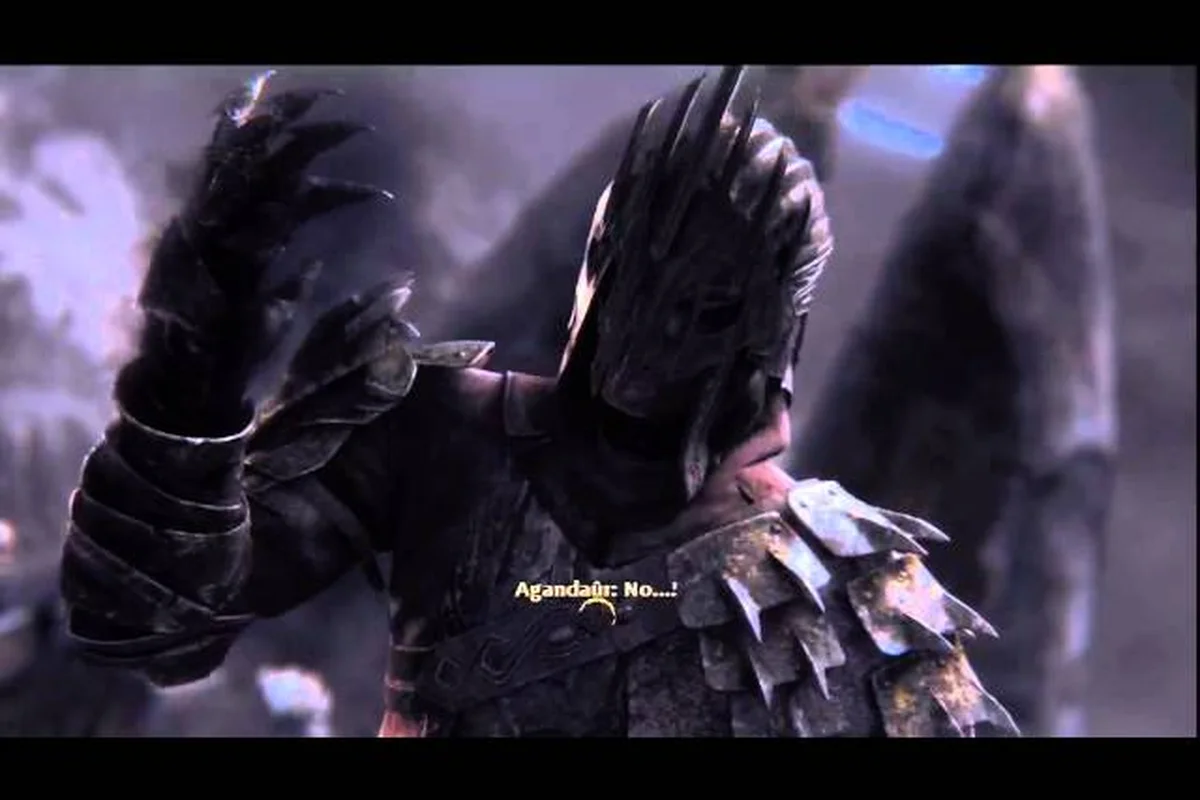
War in the North endgame guide: autosave and slots
Prepare with the War in the North endgame guide using autosave, extra save slots, and hot-swapping. Avoid common mistakes, manage resources, and tackle.
All Articles
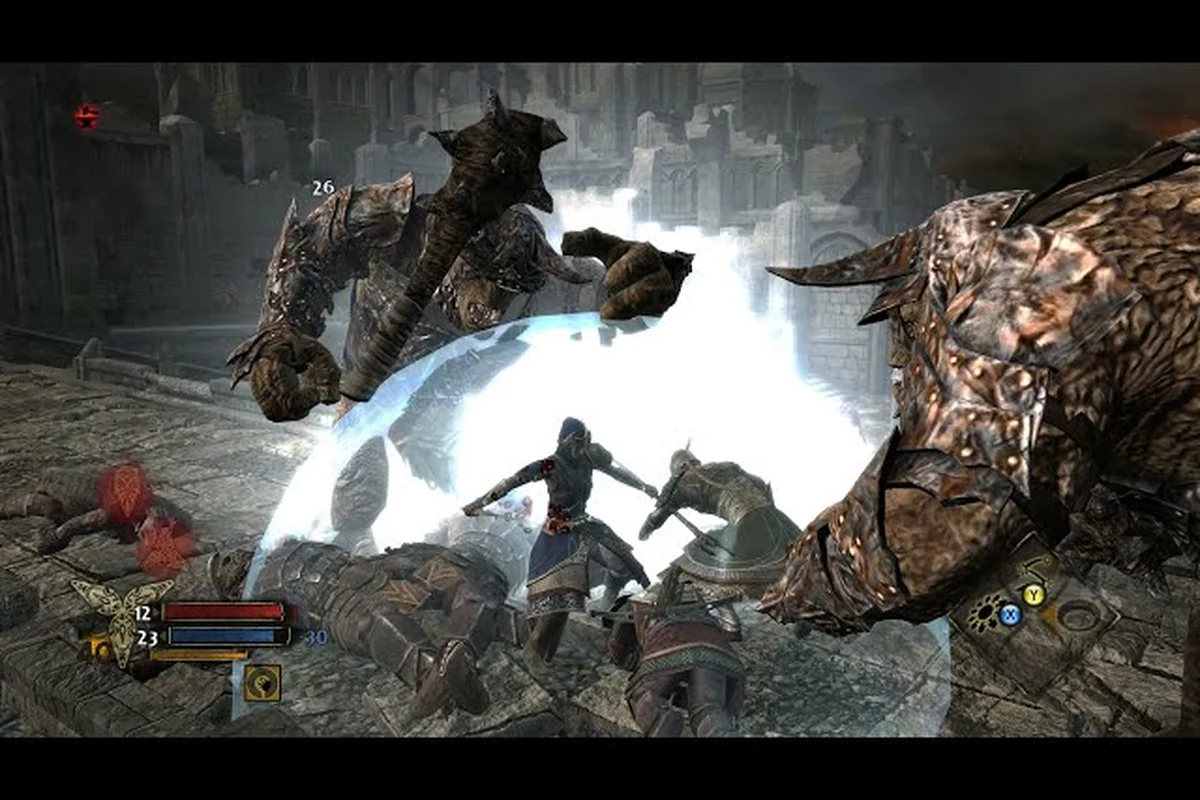
War in the North revive guide: potions and hot-swap
Learn the War in the North revive guide with health and mana potion strategies. Use hot-swapping and the improved UI to revive allies and manage resources.

War in the North stat points guide: allocating 3 per level
Learn the War in the North stat points guide: each level grants 3 points across strength, will, stamina, and dexterity plus 1 skill point. Optimize all three.
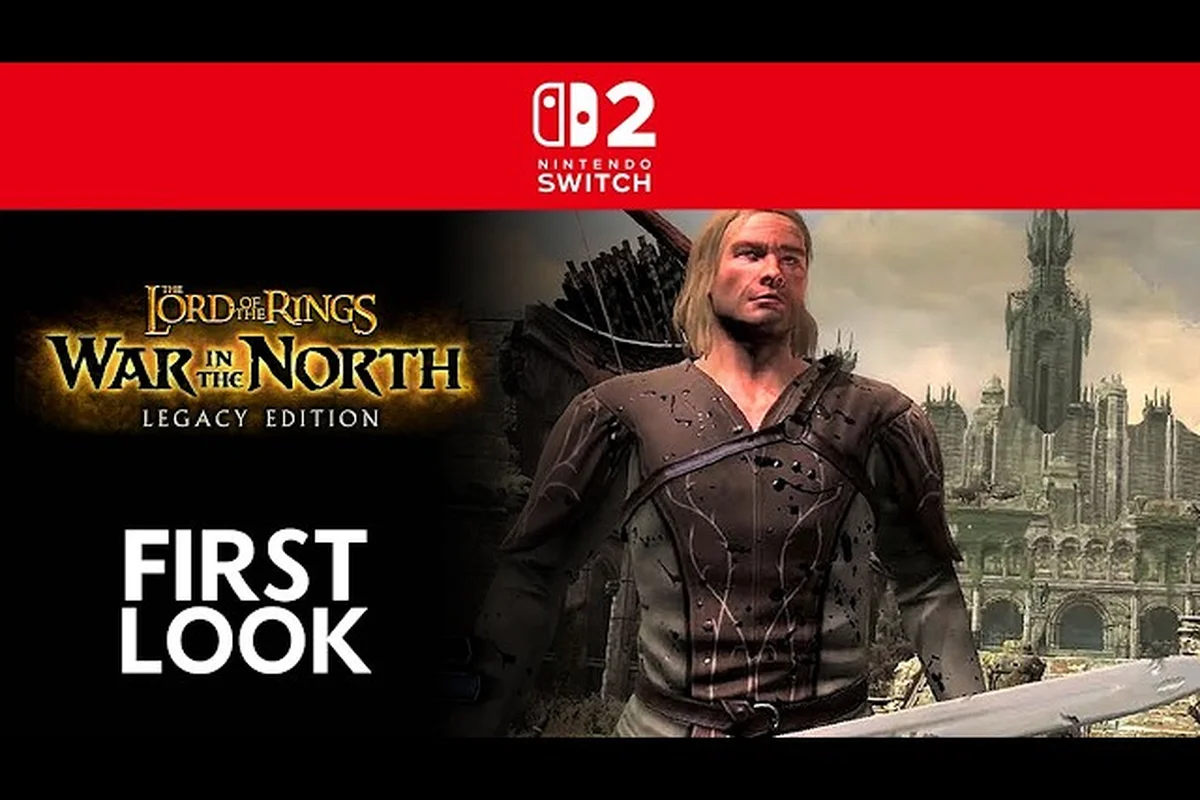
War in the North Steam Deck guide: 60 fps settings
Optimize the War in the North Steam Deck guide for max settings and 60 fps. Discover Borderless mode, the consumables panel, and system requirements for smooth.

War in the North controller guide: DualSense gyro guide
Master the War in the North controller guide with DualSense and gyro controls. Improve party AI coordination and precise aiming against bosses like Agandaûr.
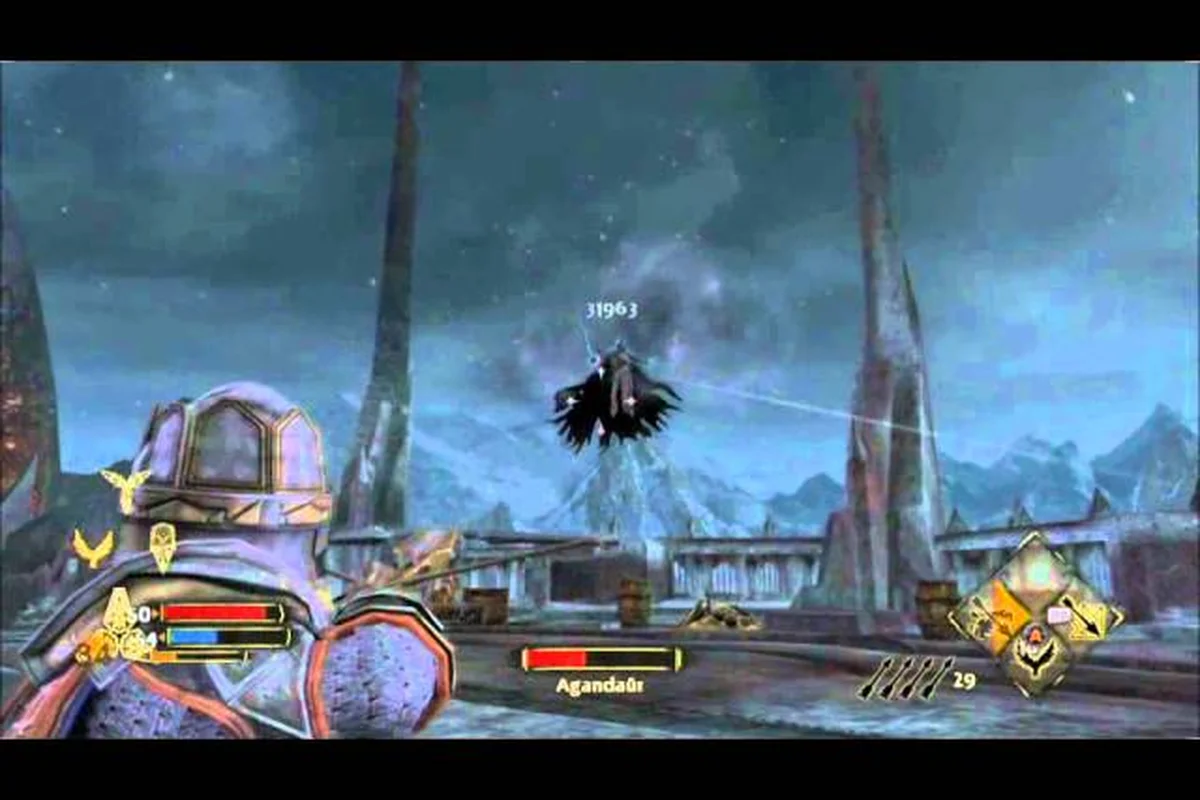
War in the North heroic difficulty: save slots tips
Conquer War in the North heroic difficulty with save slot and autosave strategies. Leverage hot-swapping, enemy locking, and stat allocation to survive.
War in the North secrets guide overview: hidden items
Discover the War in the North secrets guide overview covering all seven Cult scrolls and missable conversations. Use Triggering Secrets to find supply caches.

War in the North inventory guide: gold and loot guide
Master the War in the North inventory guide for gold farming and exploration. Use hot-swapping and save slots to manage loot and uncover hidden caches across.